Citizen Astronomy · CAst
Turn your astrophotos into science.
Load your images. Turn them into discoveries, educational tools, and scientific visualizations -- without any expert technical knowledge.
Alpha release. Each download is about 2 GB. Installation notes · Mode guides
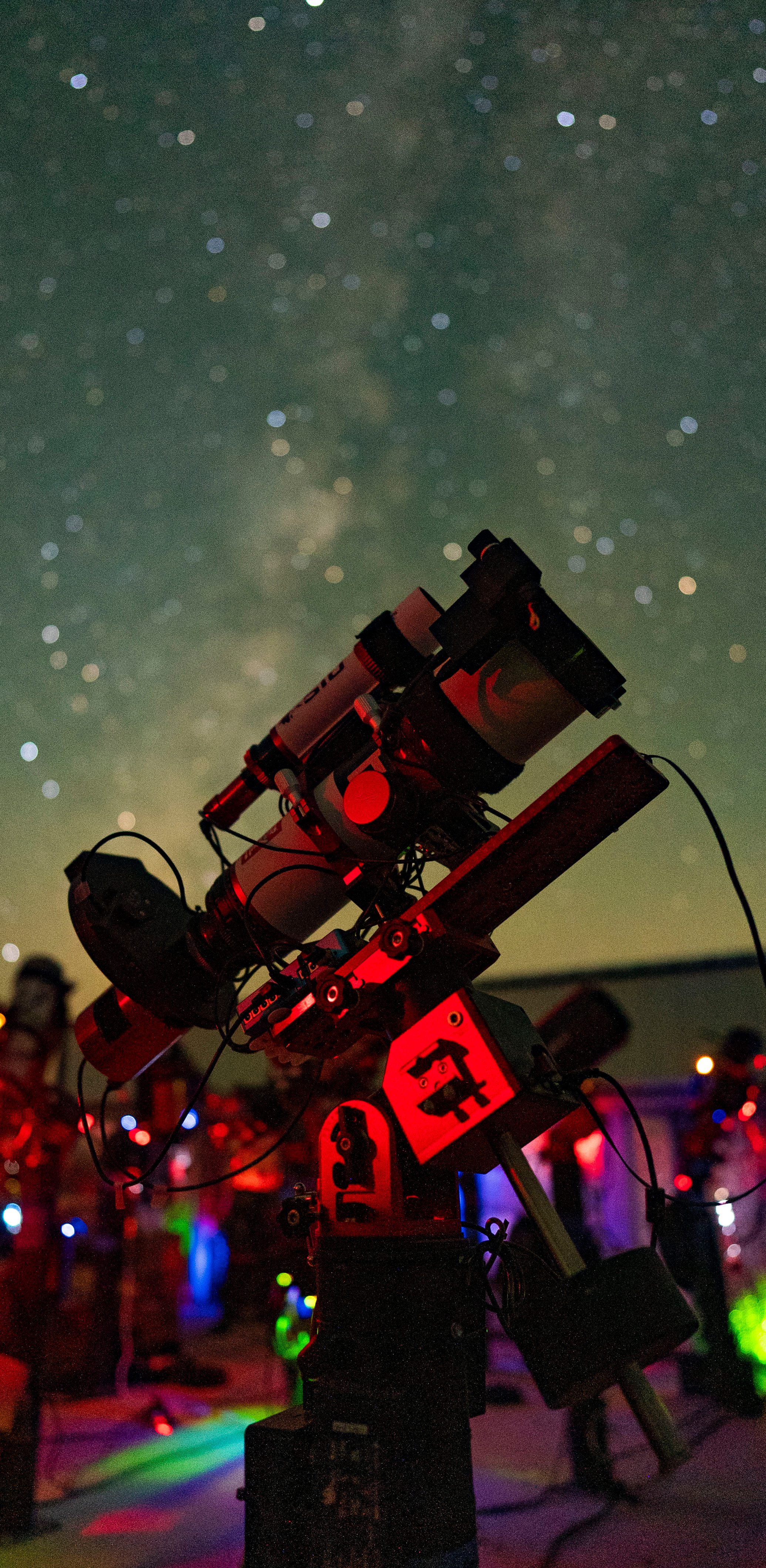
 Science
 Education
 Visualizations
Program overview
How CAst works
Start here, then open the guide for the mode you want to use.
01
What CAst is
Astrophotographers record variable stars, asteroids, star clusters, and faint structure every clear night. Turning those frames into measurements usually takes several programs, catalog queries, and scripts. CAst puts the reduction, catalog matching, review, and export steps for each task in one application.
Your images are processed on your computer. CAst goes online to query catalogs such as Gaia DR3, SIMBAD, VSX, and JPL Horizons, and to plate-solve images through astrometry.net when you ask it to.
Start with the images you already have.
02
How it is organized
CAst opens on a mode launcher. Each mode is built for one kind of work, and the modes are split into two groups.
- Science workflows
- Measure change or motion across a sequence of frames, review every result, and export it.
- Visualizations and tools
- Explore a single image, the whole sky, or a stack of frames.
The application shell stays the same in every mode. Open data with File > Open Folder, work in the image panel and results table, and follow progress in the work log. Switch with the Mode menu, or return to the launcher.
Themes, folder layout, and shared panels are covered in Themes, Layout, and Shared UI.
03
Science workflows
Differential Photometry
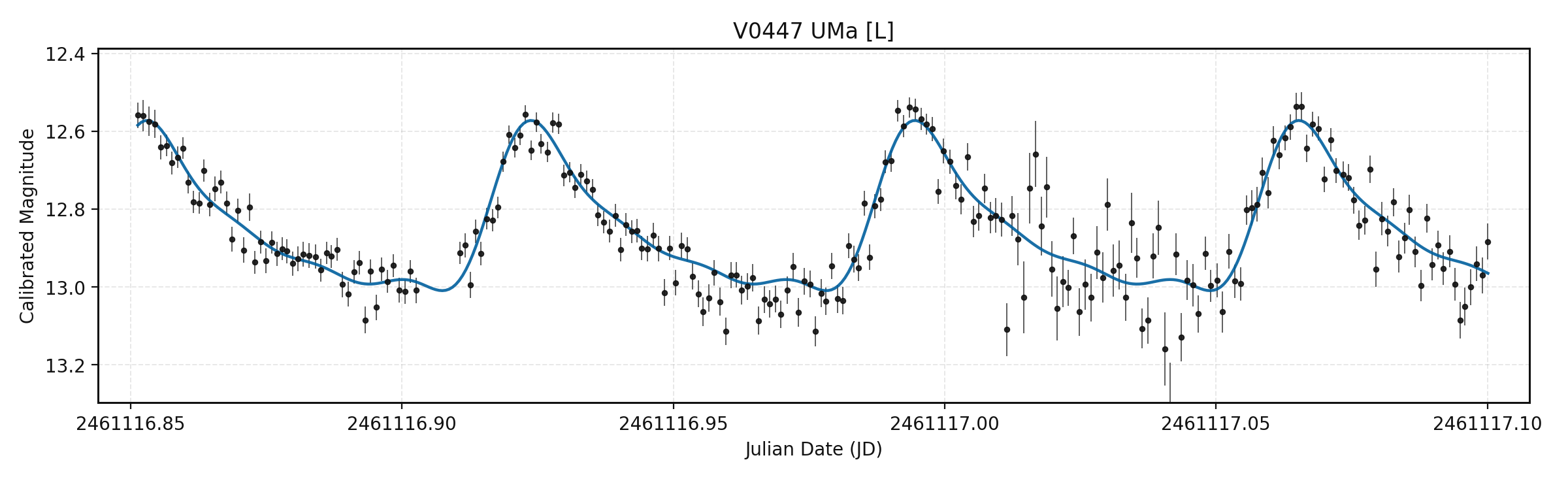
Measures light curves of variable stars, eclipsing binaries, and exoplanet hosts. CAst finds the known variables in the field, chooses comparison stars for each one, and exports AAVSO Extended Format reports.
You need a time series of one field in FITS, XISF, or TIFF. Camera RAW is accepted after a warning.
Asteroid / Comet Detection
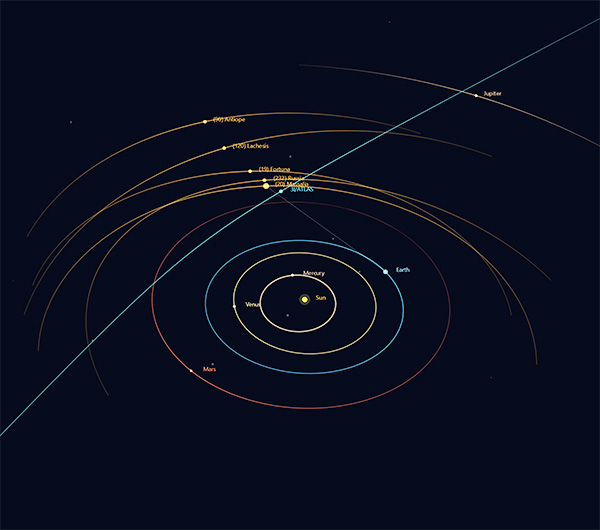
Predicts the known asteroids and comets in your field, blinks and aligns the frames, and searches for moving objects that are not in the catalogs. Synthetic Track confirms objects too faint to see in a single frame, and Trajectory View shows their paths among the planets.
You need a sequence of plate-solved frames of the same field.
Transient Finder
Compares repeated images of one field and flags sources that brighten or fade between frames, such as supernovae.
You need repeated images of the same field. Missing plate solutions are solved automatically.
04
Visualizations and tools
Sky Atlas
An interactive all-sky map with stars, Messier objects, constellations, and the Moon for your location and time. You can import your own sky-registered images as survey layers.
You need nothing to start. Your images are optional.
Sky Explorer
Lays catalog objects from SIMBAD, Gaia DR3, VSX, the NASA Exoplanet Archive, and JPL Horizons on your image, and compares it side by side with sky surveys. Use it to check whether something in your image is already known.
You need one plate-solved image.
HR Diagram
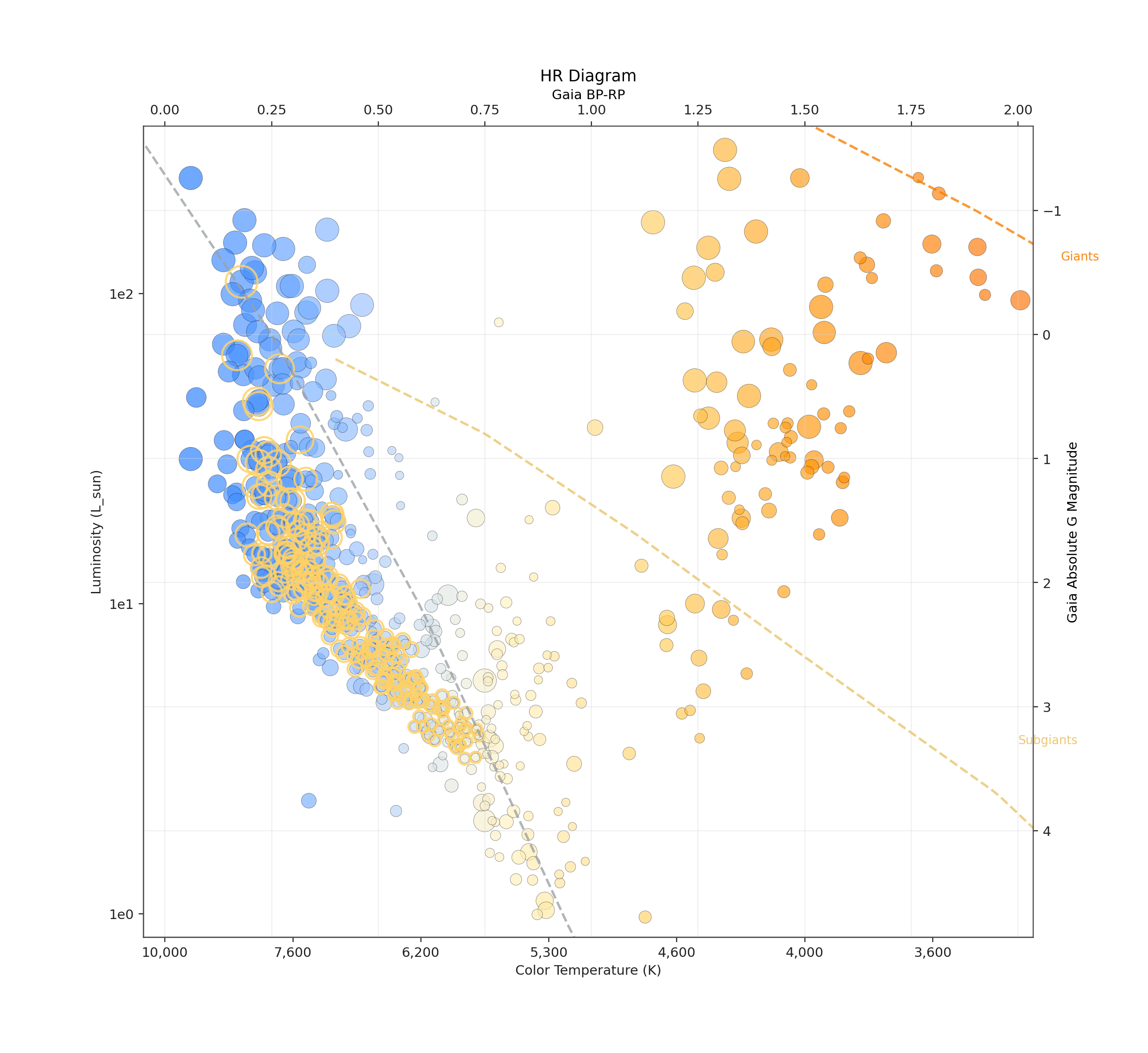
Turns the stars in one image into an interactive Hertzsprung–Russell diagram. Click a star on the image to find it on the diagram, with Gaia data, proper motion, and catalog links one click away.
You need one plate-solved image, ideally of a star cluster.
Distance Map
Places the stars in your image in 3D using their Gaia distances. Find Cluster highlights likely co-moving groups, and Tomography slides your image through the volume.
You need one plate-solved image.
Deep Stack
Builds a cumulative stacking animation from a folder of frames and tracks signal, noise, SNR, FWHM, and integration time as the stack grows. Exports GIF or MP4.
You need a folder of frames of one target. Plate-solved frames can be aligned automatically.
05
Before you start
- Image formats
- FITS (
.fit,.fits) and PixInsight XISF work in every mode. TIFF, PNG, and JPEG work in the exploration modes. Camera RAW files such as DNG, CR2, CR3, NEF, and ARW are decoded with LibRaw. - Plate solving
- Most modes need to know where the image points. Use images that are already plate-solved, or add an astrometry.net API key in Settings and CAst solves them for you.
- Observatory details
- Telescope, camera, focal length, pixel size, location, and Bortle class are set once in Settings and written into exported reports.
- Internet
- Catalog lookups and online plate solving need a connection.
Camera RAW in Differential Photometry
RAW files come from color sensors. CAst asks for confirmation before measuring them. For precision or AAVSO work, use calibrated single-channel frames.
06
Install and update
Windows 10 or 11 (64-bit)
- Download the installer.
- Open
CitizenAstronomy.CAst-alpha-Setup.exe. CAst installs and starts on its own. - To update later, choose File > Check for Updates.
macOS (Apple silicon, M1 or newer)
- Download the zip and open it.
- Drag
Citizen Astronomy.appinto Applications. - The app is not signed by Apple, so the first launch is blocked. Right-click it and choose Open, then Open again. On macOS 15 or newer, go to System Settings > Privacy & Security and click Open Anyway.
- To update, download the new zip and replace the app.
Intel Macs are not supported yet.
07
Status and source
CAst is in alpha. The core workflows work, and some features are still incomplete. It is free, and its source code, release notes, and every past version are on GitHub.